Services
In this section of the in-game store [/shop], players can find options dedicated to enhancing gameplay—ranging from illegal activities and enterprise management to government services and clearing faction punishments.
Services Interface
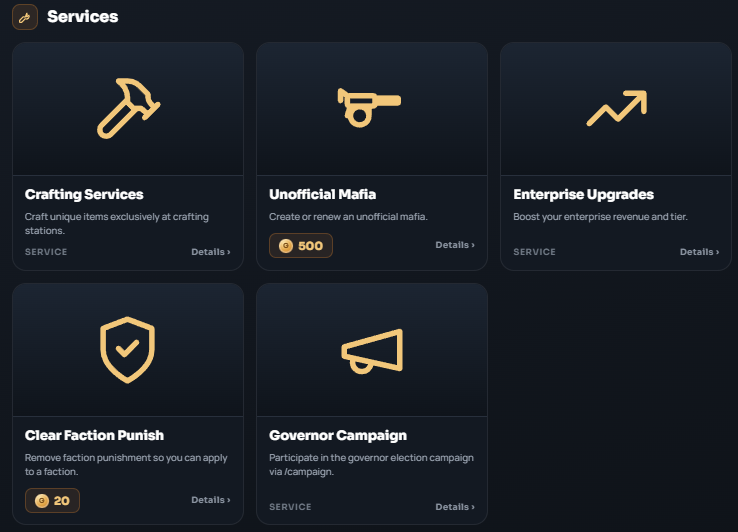
Once you open the Services category (Image #1), you will have access to 5 major options structured into individual cards:
- Crafting Services: (SERVICE) Allows you to craft unique items exclusively at crafting stations across the server.
- Unofficial Mafia: (500 Gold) Gives you the ability to create or renew an unofficial mafia organization.
- Enterprise Upgrades: (SERVICE) An option dedicated to boosting your enterprise revenue and tier level.
- Clear Faction Punish: (20 Gold) Instantly removes your active faction punishment (Faction Punish / FP) so you can apply to a faction again.
- Governor Campaign: (SERVICE) Allows you to participate in the governor election campaign via the
/campaigncommand.
How to Use
- Open the in-game shop by typing the
[/shop]command. - Select and navigate to the Services category.
- Click the
Details ›button in the bottom-right corner of your chosen card to open the expanded menu and finalize your purchase.