Gas Station
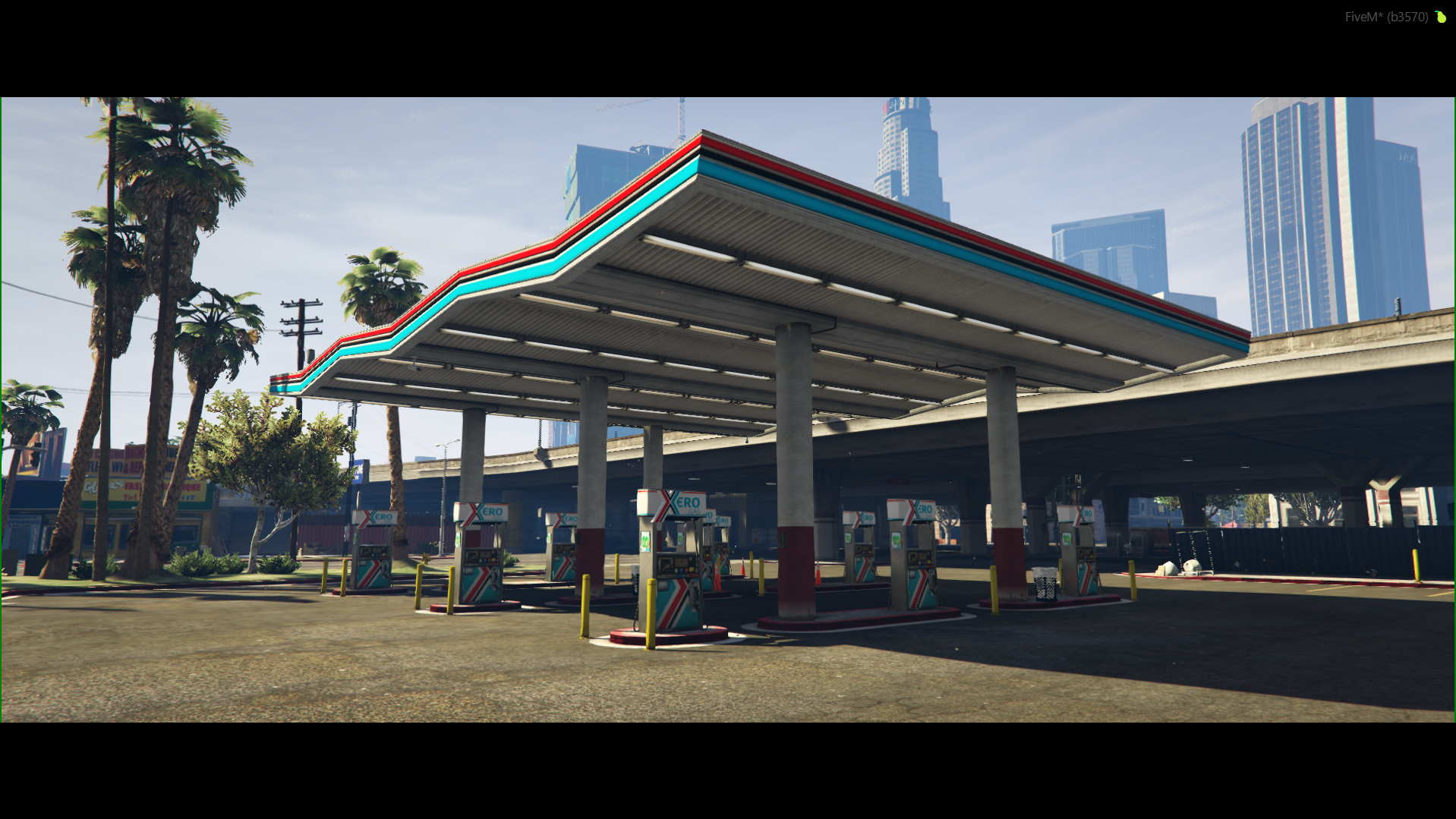
Features
- To interact with the fuel pump, you must press the E key when you are near it (image #2).
- Gas stations allow you to refuel your vehicle's tank or purchase portable fuel containers.
Fueling Options
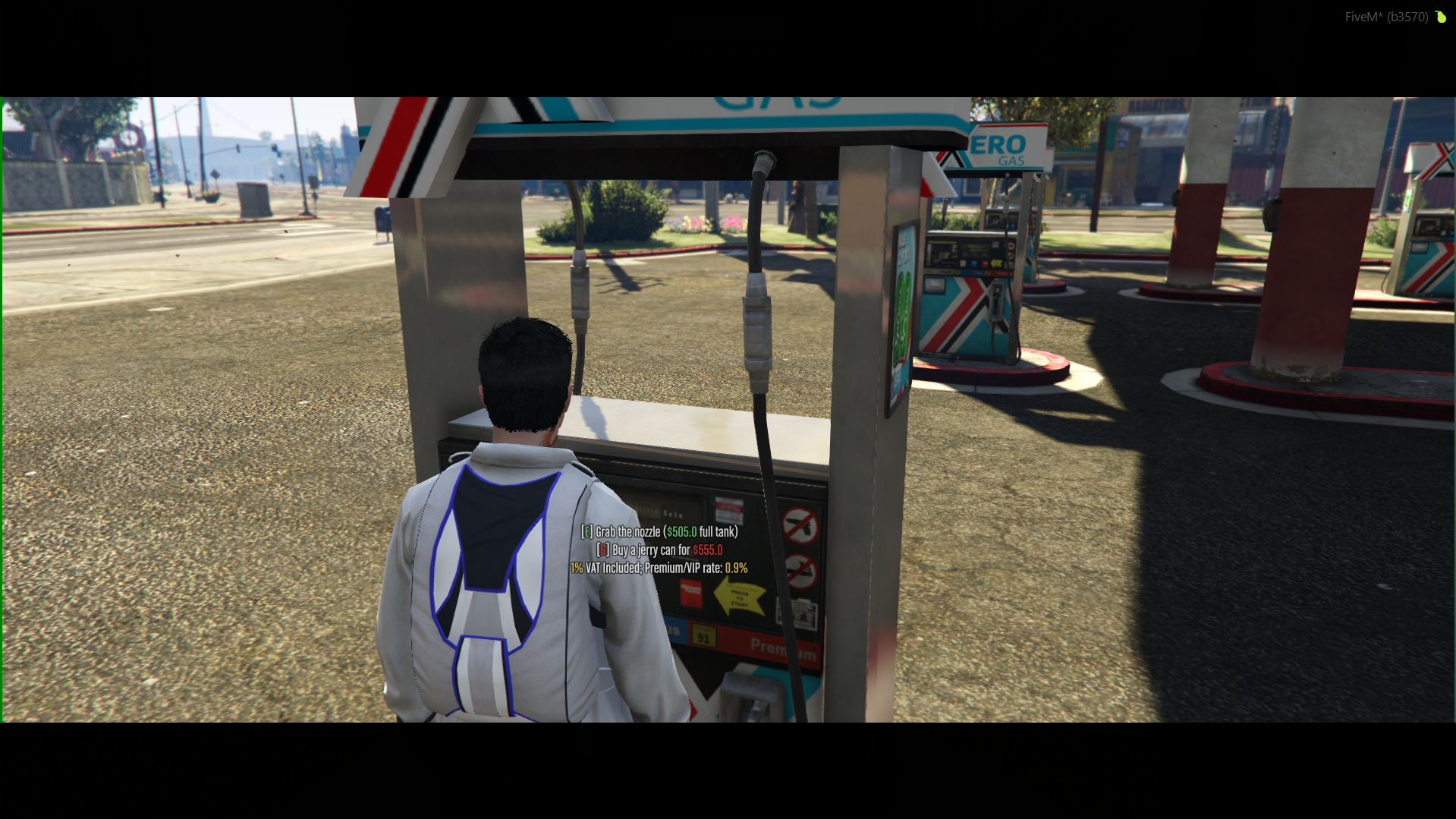
Once you open the pump menu (image #2), you have access to the following real-time options:
- Refuel Vehicle (Grab the nozzle): Opens the refueling action for the vehicle parked next to the pump. The exact price for a full tank is dynamically calculated and displayed directly on the screen (e.g.,
$505.0). - Buy a Jerry Can: Allows you to purchase a portable fuel container for a fixed price (e.g.,
$555.0) to keep in your inventory for emergencies. - Taxes: All fuel prices already include a 1% VAT fee (1% VAT Included).
Premium & VIP Benefits
If you hold a Premium or VIP rank on the server, you receive a discounted fuel rate of 0.9% (Premium/VIP rate: 0.9%) instead of the standard pricing. Always check your active perks before refueling!
How to refuel a vehicle or a jerry can
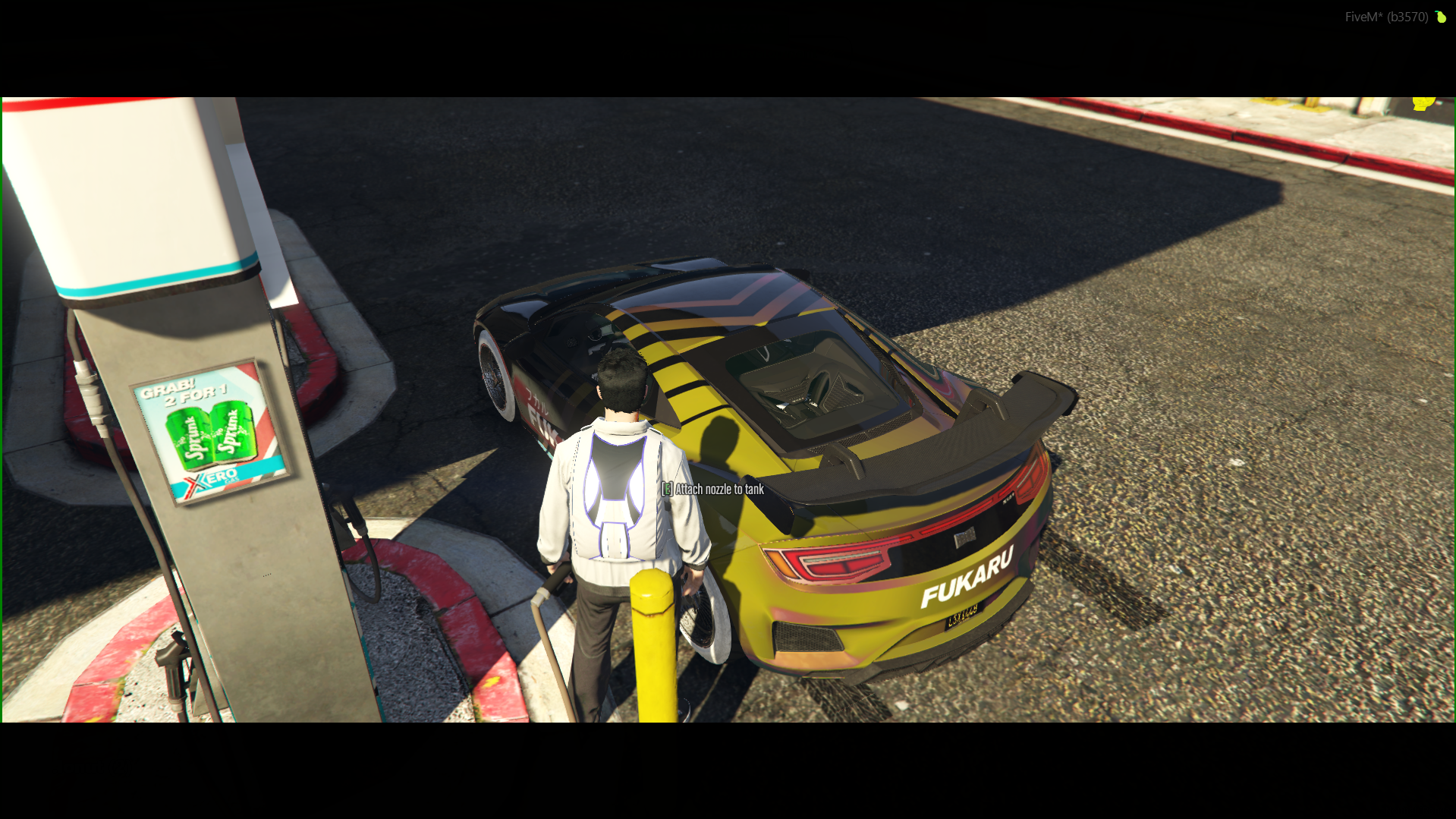
After selecting the option from the pump (image #2), follow these steps depending on what you wish to refuel:
To refuel a car:
- Your character will take the pump nozzle in hand.
- Walk over to your vehicle's fuel filler cap.
- Press the E key to attach the nozzle to the tank (image #3) (Attach nozzle to tank).
- Wait for the tank to fill up. Refueling will stop automatically once the vehicle reaches 100% fuel.
To fill a jerry can (Jerry Can):
- If you have purchased a jerry can and want to fill it up, you just need to press the G key directly at the pump, and it will automatically charge and fill up with fuel.