Offshore Business Manager (Business Manager)
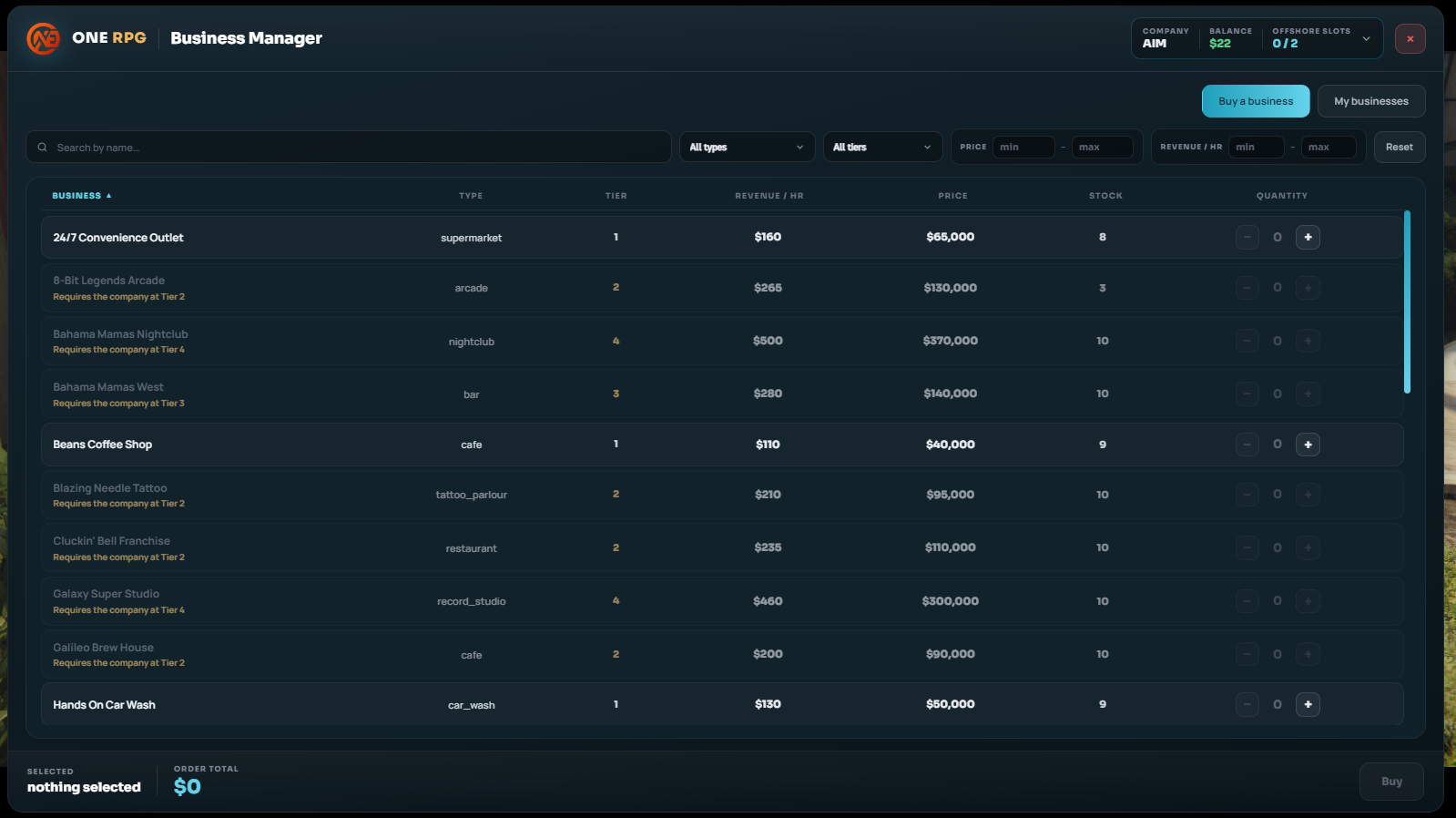
The Business Manager system allows companies to purchase offshore (virtual) businesses to generate passive hourly income.
Location and Access
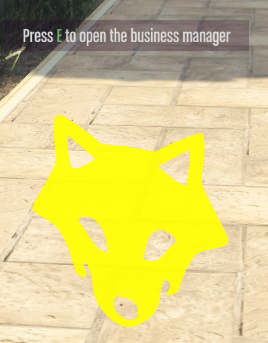
The Business Manager is located in the square in front of City Hall in Los Santos.
- Approach the yellow marker and press the E key. The panel can only be opened by the company administrator.
Passive Income from Offshore Businesses
Offshore businesses do not physically exist in the city; they generate money automatically on an hourly basis, even if no one from the company is online. The funds go through two stages:
- Generation: Every hour, the business generates a random amount between $0 and the maximum hourly income (averaging about half of the displayed maximum). This sum goes directly into the individual business vault.
- Collection: An employee with the "Collect business earnings" permission clicks Withdraw, and the funds are transferred into the company bank account. Upon collection, an income tax (currently 10%, set by the Government) is deducted.
Selling Offshore Businesses
If a company sells an offshore business back:
- It receives 30% of the catalog price plus any uncollected funds remaining in its vault.
- The remaining 70% is lost, and any active boosts on that business are permanently canceled. (Recommendation: empty the vault and let active boosts expire before selling).
Production Boosts
Boosts increase production for both regular and offshore businesses (applied to a single specific business):
- Effect: +100% on top of that hour's earnings (with 3 active boosts, the business produces 4x more).
- Duration: 24 hours each.
- Limit: Maximum 30 active boosts simultaneously per business (of which a maximum of 20 can be purchased with Gold).
- Bonus Cap: The added bonus cannot exceed $100,000 per hour per business, regardless of how many boosts are active.
| Acquisition Method | Cost | How It Works |
|---|---|---|
| Tasks | Free | From the menu: Assets -> Start Activity (3 activities to choose from, 1-hour cooldown) |
| With Gold | 5 Gold / boost | Click the Buy Boost with Gold button (Gold is taken from your personal account, not the company's) |