Heist - Vangelico Jewelry
The Vangelico Jewelry heist is a high-risk tactical mission that requires careful planning, proper equipment, and flawless execution from the crew.
1. Team Creation and Group Setup
To begin planning the heist, interact with the planning board and create a lobby with your crew members.
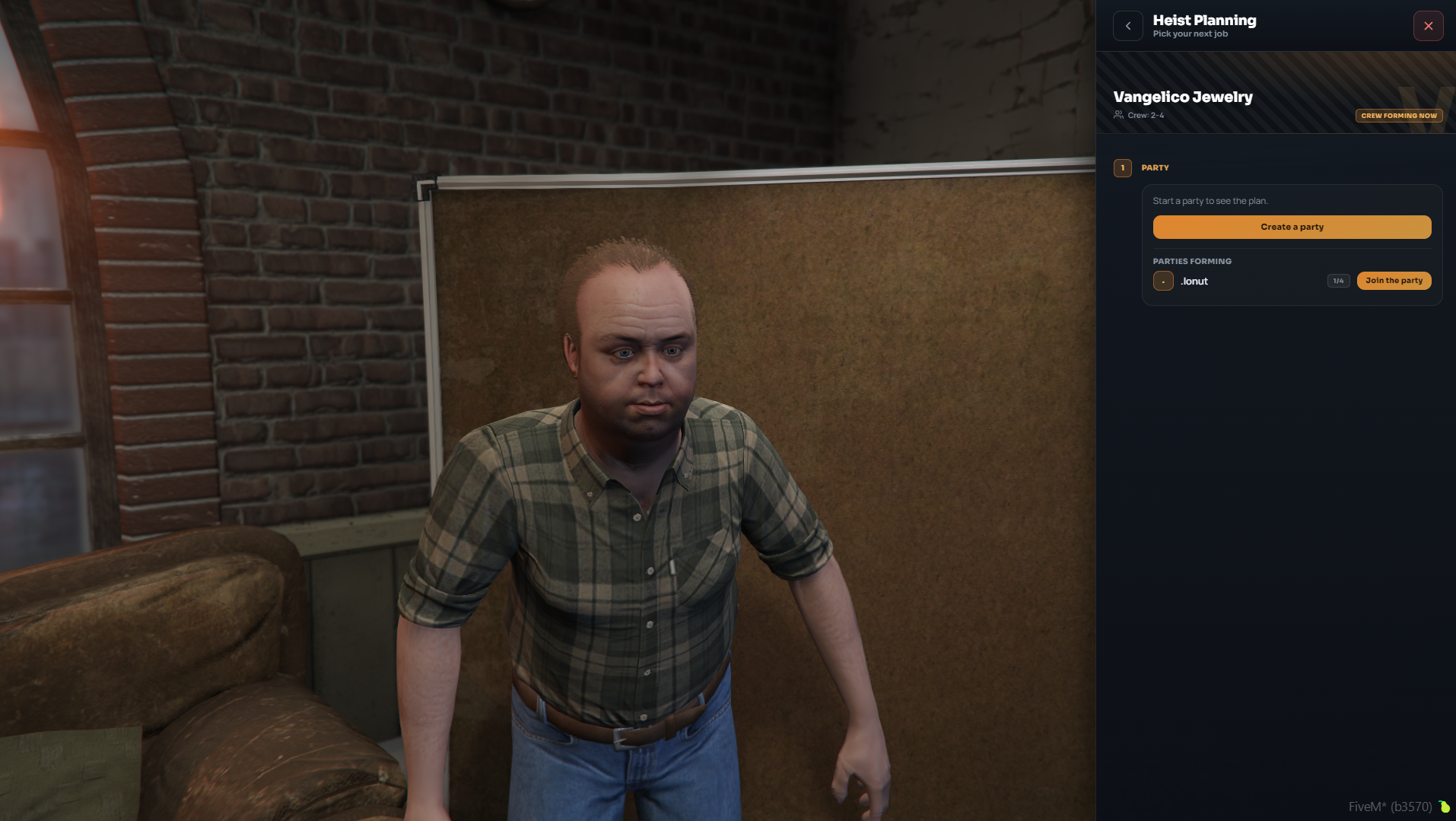
- Crew Size: 2 - 4 players.
- Group Creation: The leader creates the group, and the other members join the lobby before configuring the heist settings.
2. Planning Tabs and Configuration
Once the team is assembled, the leader navigates through the 4 main setup stages:
- Vehicles
- Approach
- Split
- Setups
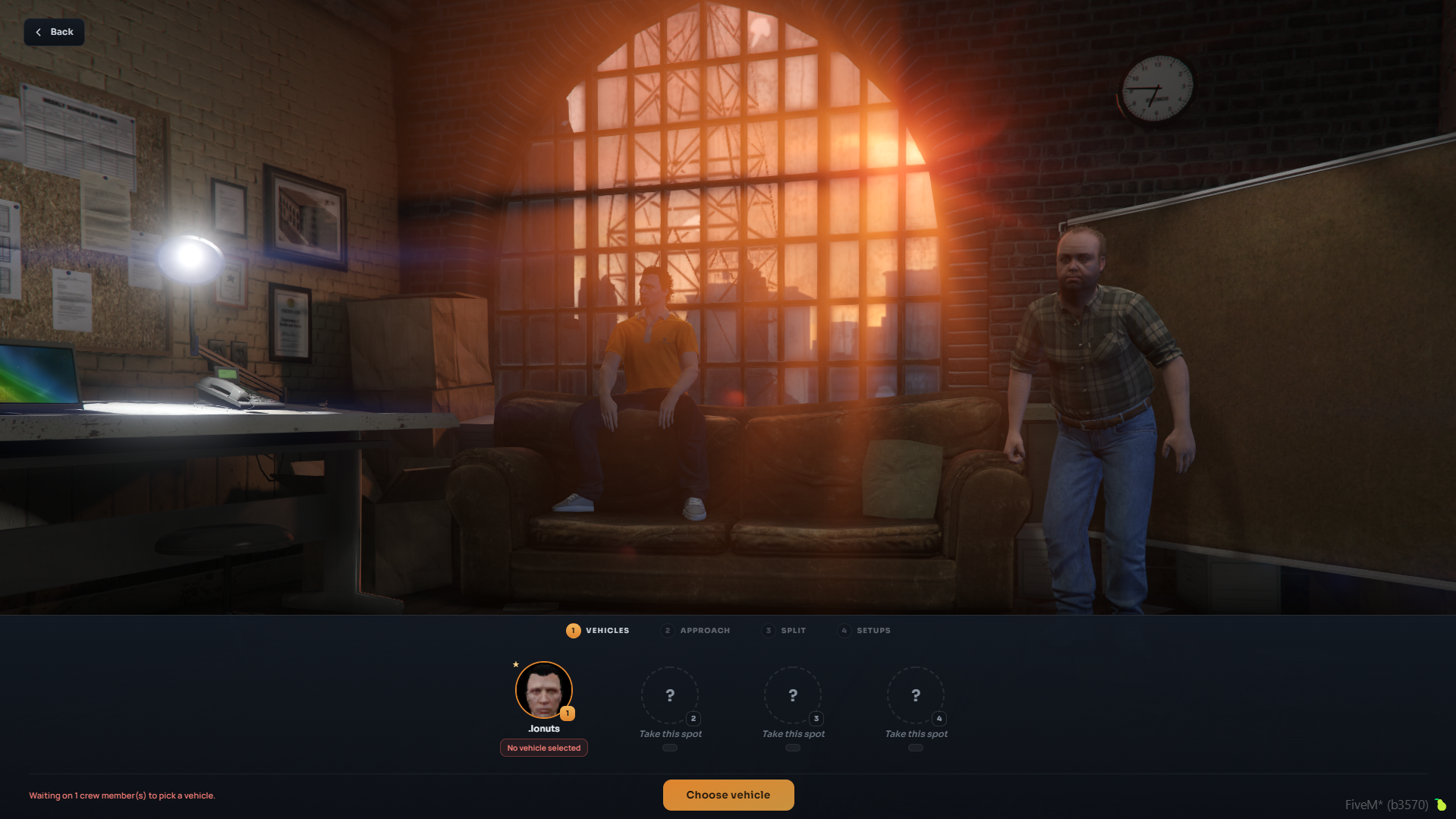
Step 1: Vehicle Selection (Vehicles)
Each team member must select a vehicle from their personal or organization garage to use during setup missions.
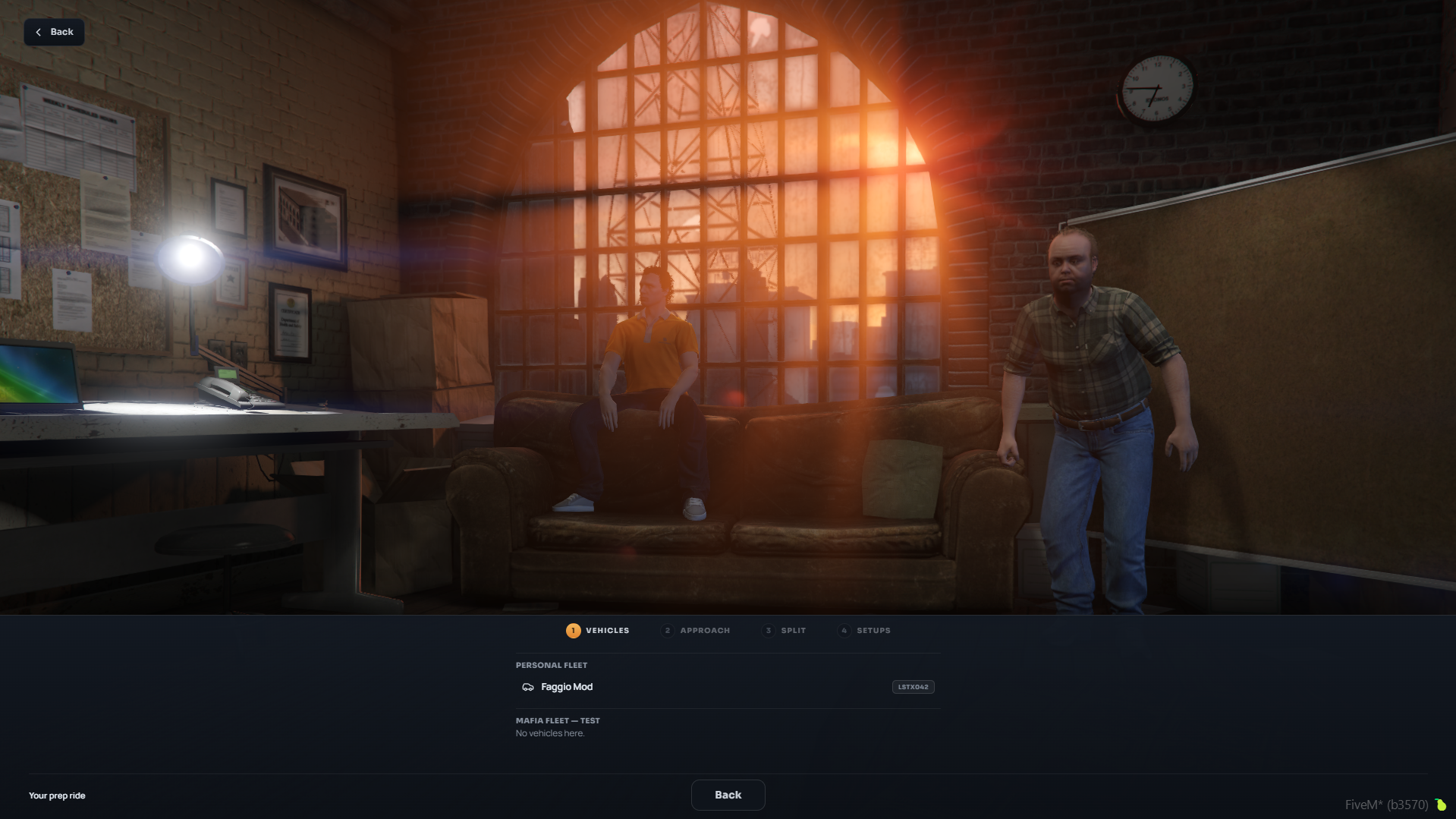
Step 2: Approach Strategy (Approach)
Choose one of the two access strategies to execute the heist:
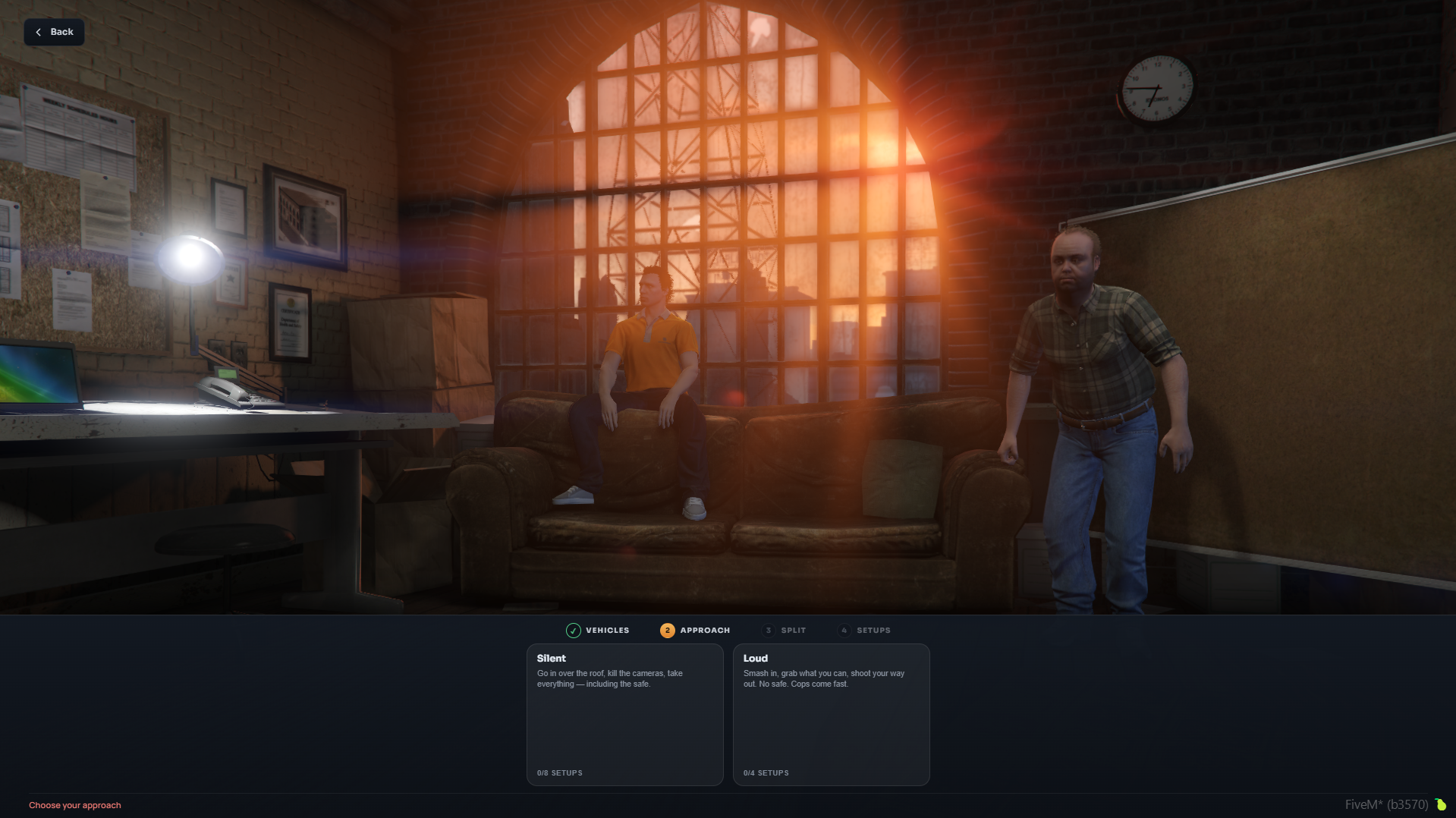
| Approach | Description | Setup Missions |
|---|---|---|
| Silent | Infiltrate through the roof, disable security cameras, and steal all valuables quietly—including the safe. | 8 Missions |
| Loud | Force entry through the front, smash all display cases, and engage in gunfights upon exit. No safe access; police respond quickly. | 4 Mandatory + Optional |
Step 3: Cut Distribution (Split)
Set the payout percentages for each crew member based on their role and contribution.
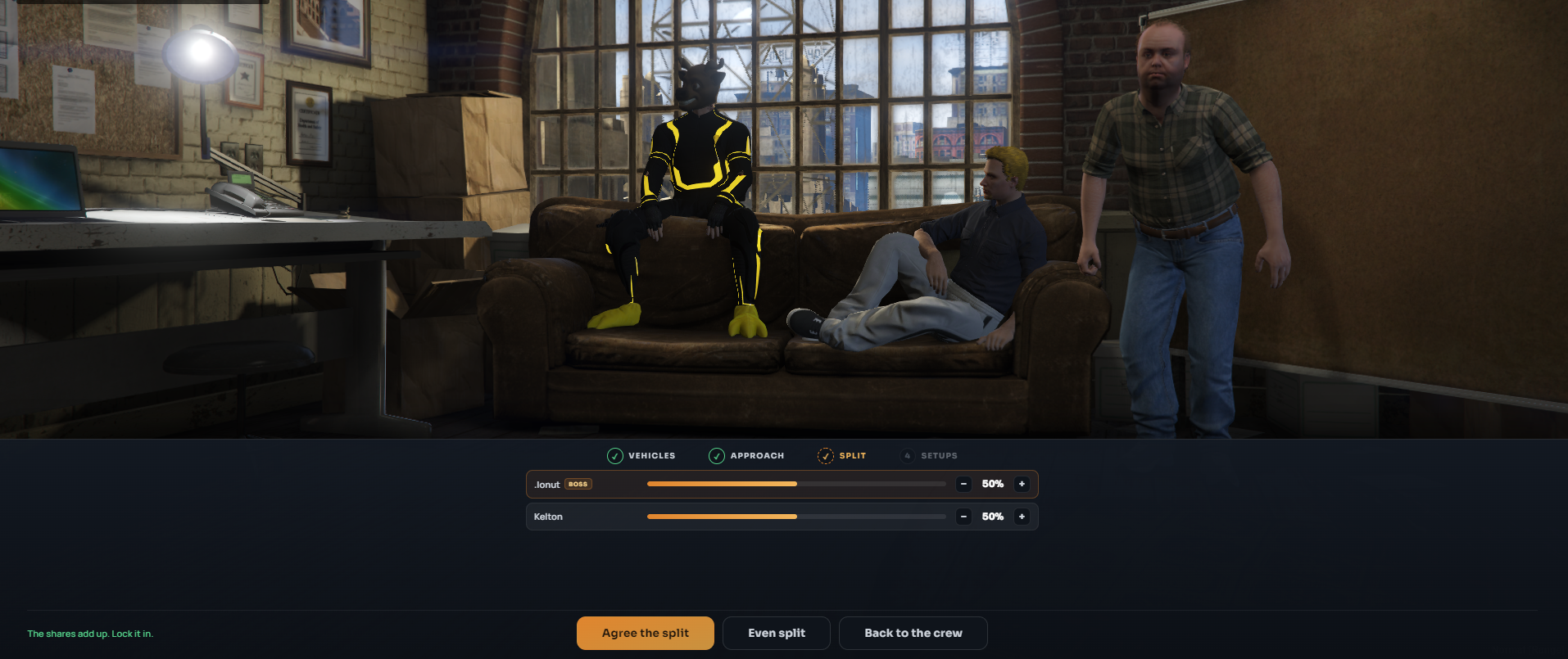
- Even Split: Click the Even split button for an automatic equal distribution.
- Custom Percentages: Adjust individual sliders until the total equals exactly 100%.
- Confirmation: The leader must click Agree the split to lock in the final payout.
Step 4: Preparation Missions (Setups)
Depending on the chosen strategy (Silent or Loud), the list of setup missions updates dynamically.
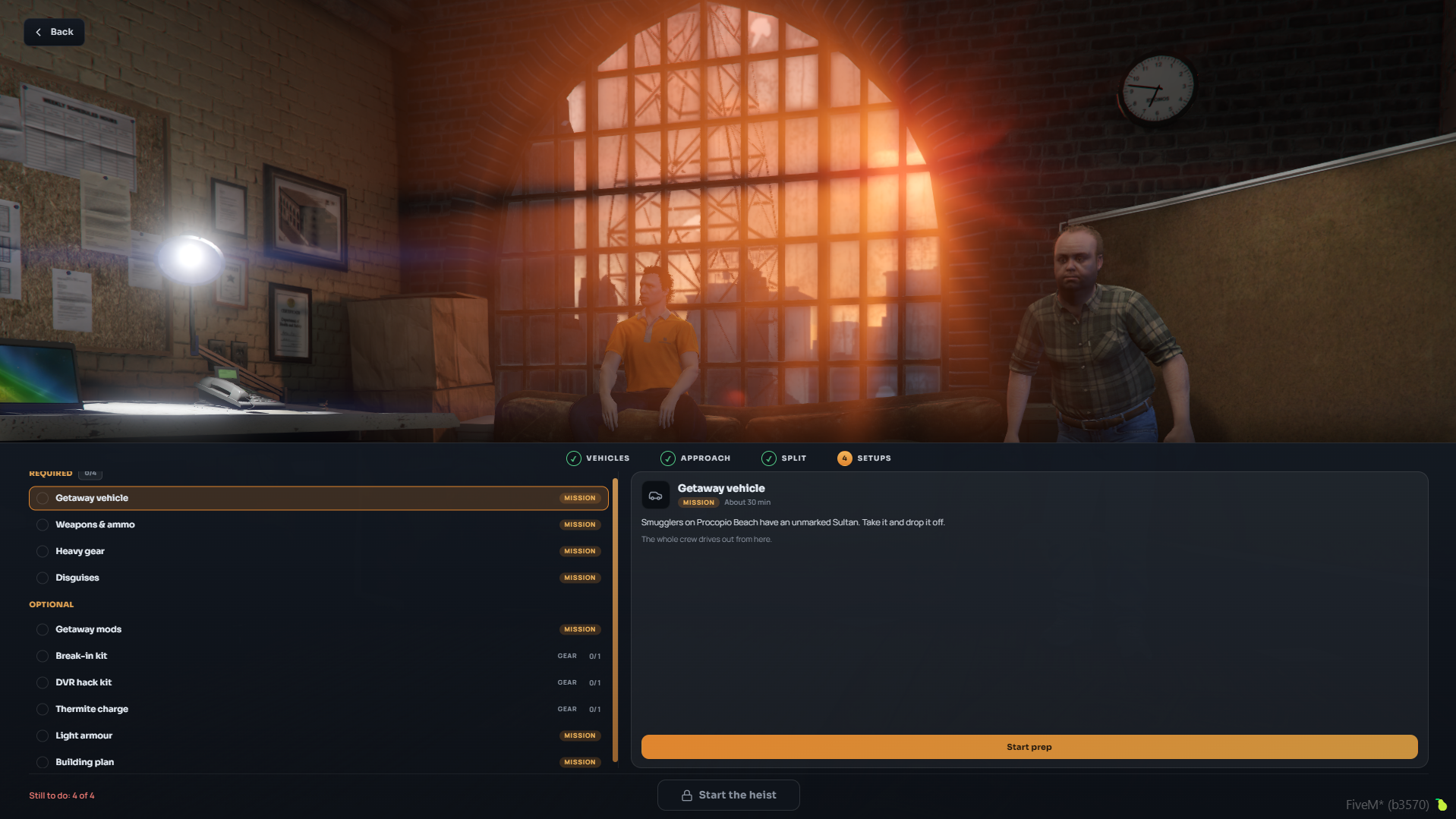
Silent Approach (0/8)
- 🚗 Getaway Vehicle (Mission)
- 🧰 Break-in Kit (Equipment 0/1)
- 💻 DVR Hack Kit (Equipment 0/1)
- 🔥 Thermite Charge (Equipment 0/1)
- 🔫 Weapons & Ammo (Mission)
- 🦺 Light Armour (Mission)
- 🎭 Disguises (Mission)
- 📐 Building Plan (Mission)
Optional (Silent):
- 🏎️ Getaway Mods (Mission)
- 🛡️ Heavy Gear (Mission)
Loud Approach (0/4 Mandatory)
- 🚗 Getaway Vehicle (Mandatory)
- 🔫 Weapons & Ammo (Mandatory)
- 🛡️ Heavy Gear (Mandatory)
- 🎭 Disguises (Mandatory)
Optional (Loud):
3. Heist Execution: Silent Approach
After all preparation missions are complete, the leader can launch the heist directly from the planning board.
Step-by-Step
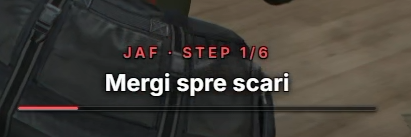
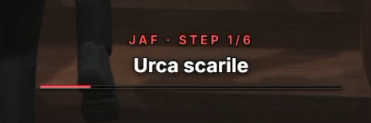
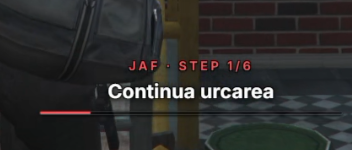
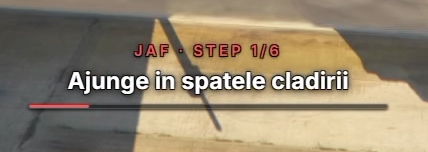
Step 1: Infiltration and Access (Step 1/6)
- Reach the back of the building: Drive or walk down the alley behind the Vangelico store.
- Head to the stairs and climb: Find the exterior fire escape stairs and climb up to the roof.
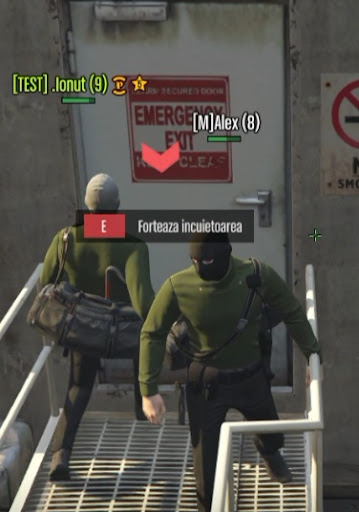
Step 2: Breach the Roof Door (Step 2/6)
- Force the access door: Approach the emergency door on the roof and press key E (Pick lock).
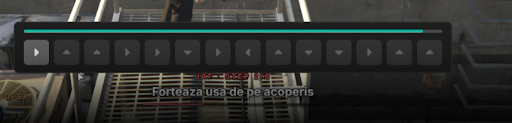
- Solve the minigame: Press the corresponding directional arrow keys as they highlight on screen to unlock the door.
Step 3: Disable Security (Step 3/6)
- Infiltrate the upper floor and use the DVR Hack Kit to disable the security camera system without triggering the alarm.
Step 4: Loot the Display Cases (Step 4/6)
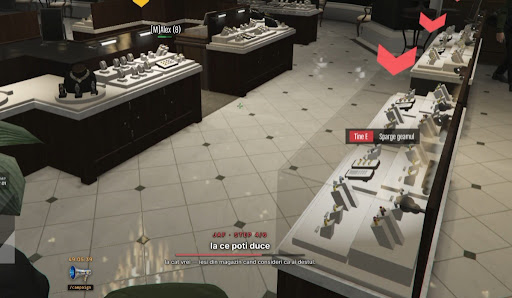
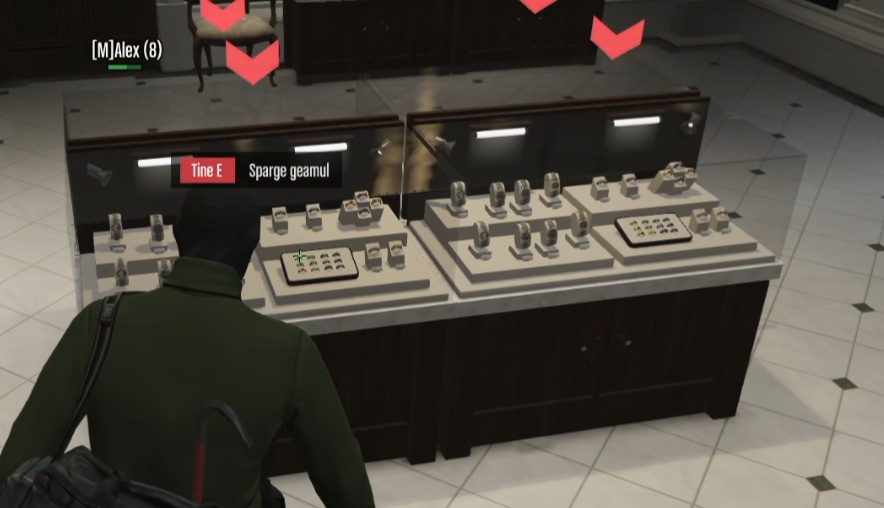
- Head down to the main shop floor and approach the jewelry counters.
- Hold down E (Smash glass) to break the cases and grab the valuable jewels.
- Gather as much loot as possible before moving on to the safe or evacuation.
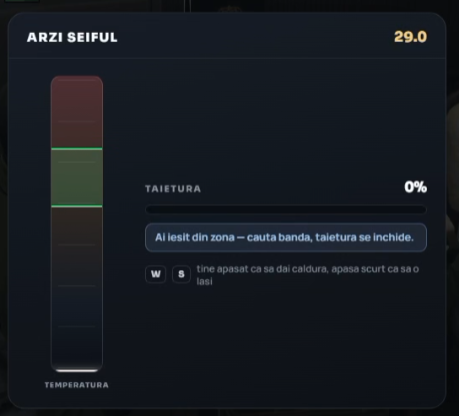
Step 5: Thermite and Safe Burning (Step 5/6)
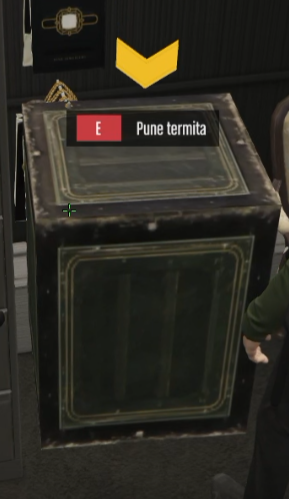
- Walk up to the main safe in the back room and press E (Place thermite) to set the charge.
- Thermite Minigame (Melt Safe):
- Use keys W and S to control the heat level of the cutting tool.
- Keep the temperature bar strictly within the optimal green zone to progress the cut (Cut %).
- Avoid overheating or letting the temperature drop below the required zone.
Step 6: Escape and Buyer Delivery (Step 6/6)
- Regroup with your team, enter the getaway vehicle, and leave the area without being pursued by police.
- Drive to the fence/buyer location to complete the exchange and receive your clean cash.
4. Heist Execution: Loud Approach
For teams that prefer direct engagement, entry is forced directly through the front entrance of the store.
Step-by-Step
Step 1: Looting the Display Cases
- Enter the main Vangelico jewelry store.
- Hold E (Smash glass) at the display cases to break them open.
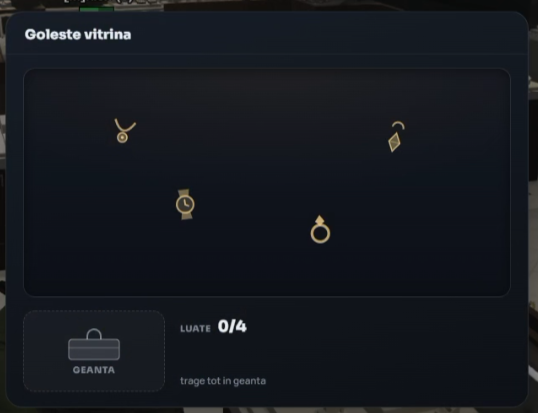
- Loot Collection Minigame (Empty Case): Drag all precious items (watches, rings, chains) directly into the Bag icon.
Step 2: Escaping the Location (Step 5/6)
- Exit the store as soon as you have collected the loot.
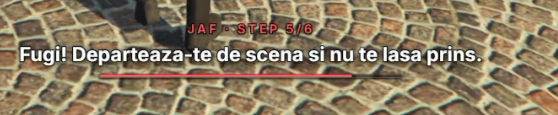
- Run! Get away from the scene and don't get caught: Sprint to your escape vehicle and evade incoming police forces.
Step 3: Transporting Loot to the Fence (Step 6/6)
- Locate the blue car icon on your radar/map indicating the fence location.
- Deliver the goods to the fence — ensure no police are trailing you: Drive to the drop-off point while making sure you lose any police tail.


Step 4: Final Deal and Payout
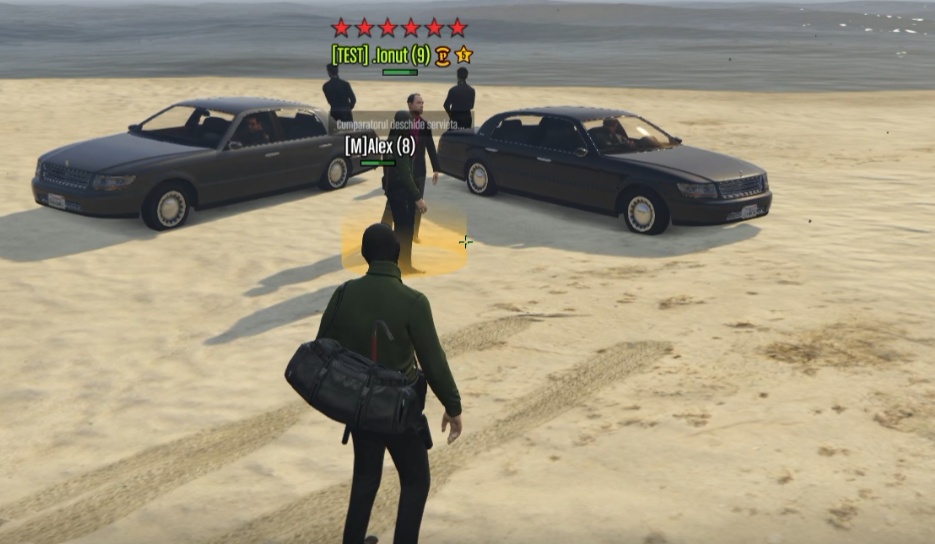
- Approach the buyer/fence at the designated meeting point (e.g., at the beach).
- Walk into the yellow marker to trigger the handoff cutscene ("Buyer opens briefcase...").
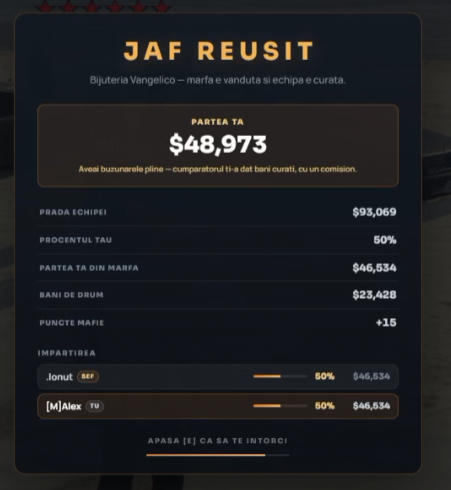
- View the final HEIST SUCCESSFUL screen detailing team cuts, clean cash payout, and earned mafia points.