Dealership (Boats)
The Dealership (Boats) system allows players to browse, test drive, purchase, and sell watercraft across a wide range of nautical models.
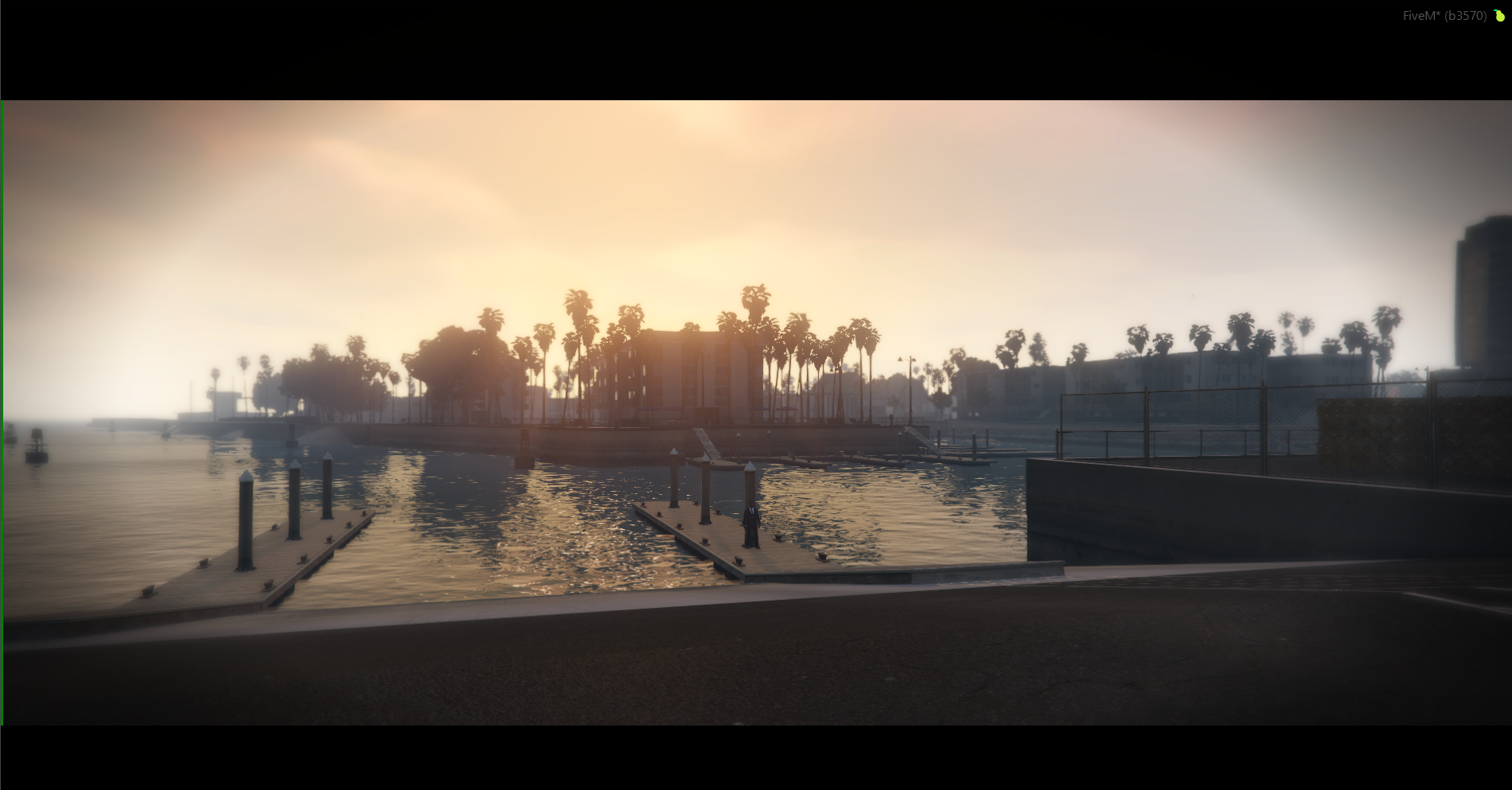
Accessing the Dealership (Boats) Menu
- Travel to the Dealership Boats location at the pier/harbor marked on your map with the blue boat icon (
 ).
). - Walk onto the dock to the interaction point.
- Press the E key to open the Boat Dealership interface.
Interface & Features
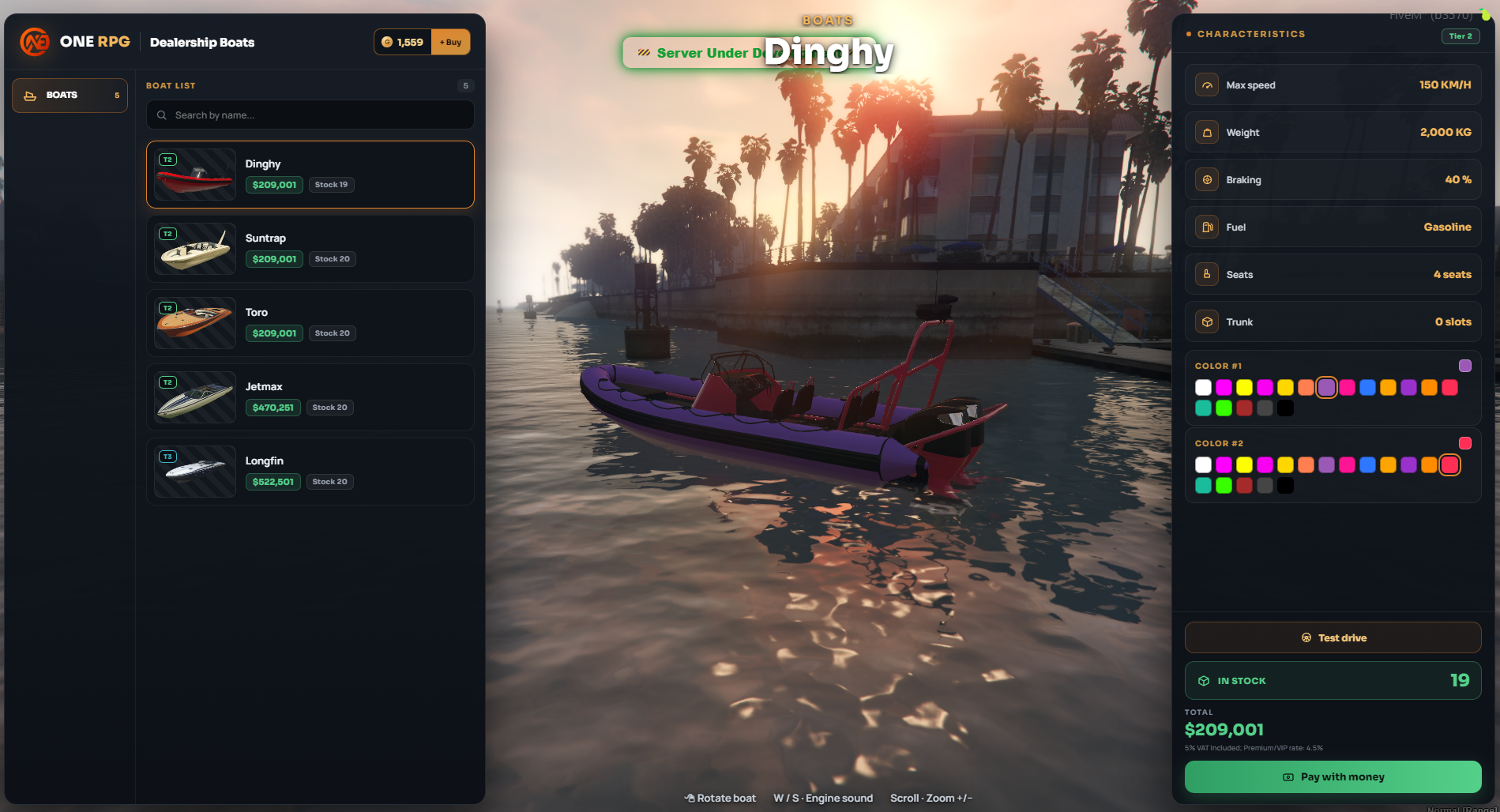
The Boat Dealership interface is split into three main sections for easy navigation:
1. Watercraft List (Left Panel)
On the left side, you can browse through the list of available boats:
- Quick Search: Use the
Search by name...bar to quickly find a specific model. - Watercraft Cards: Displays the boat preview, model name (ex Dinghy, Suntrap, Toro, Jetmax, Longfin), purchase price, and current stock availability (Stock).
2. 3D Preview & Interactive Controls (Center Area)
The selected 3D boat model is showcased in the water in the center of the screen. You can use the following controls:
- Rotate Boat: Click and drag with Left Click (or
Rotate boat) to inspect the craft from any angle. - Engine Sound: Press the W / S keys to rev the engine and listen to its sound.
- Zoom In / Out: Use the mouse wheel (Scroll) to zoom the camera in and out.
3. Characteristics & Customization (Right Panel)
The right panel provides technical specifications and preview options:
- CHARACTERISTICS:
- Max speed: Top speed of the watercraft (ex 150 KM/H).
- Weight: Total weight (ex 2,000 KG).
- Braking: Braking efficiency percentage (ex 40%).
- Fuel: Fuel type used (ex Gasoline).
- Seats: Passenger capacity (ex 4 seats).
- Trunk: Trunk storage capacity in slots (ex 0 slots).
- Color Customization (Preview):
- COLOR #1: Choose the primary hull color from the interactive palette.
- COLOR #2: Choose the secondary accent color.
Purchasing & Test Drive
The action buttons and payment options are located in the bottom-right section:
- Test drive: Allows you to take the selected boat for a test drive before purchasing.
- The test drive lasts for 60 seconds.
- If you exit the boat during the test, the test drive session automatically stops immediately.
- Availability (IN STOCK): Shows the remaining stock count available on the server for that boat model (ex
19). - Payment Options: Depending on the selected boat, purchases can be completed using two methods:
- Pay with money: Purchase using in-game cash from your inventory or bank account (ex
$209,001). - Pay with Gold: Certain special or exclusive boats can be bought directly using Gold.
- Header Bar: In the top-right corner, you can view your current Gold balance along with a quick
+ Buytop-up option.
Selling Boats (Sell Boat)
Players can sell their personal boats directly back to the server at the designated drop-off point located at the dock, marked on the map with a green dollar icon ( ).
).
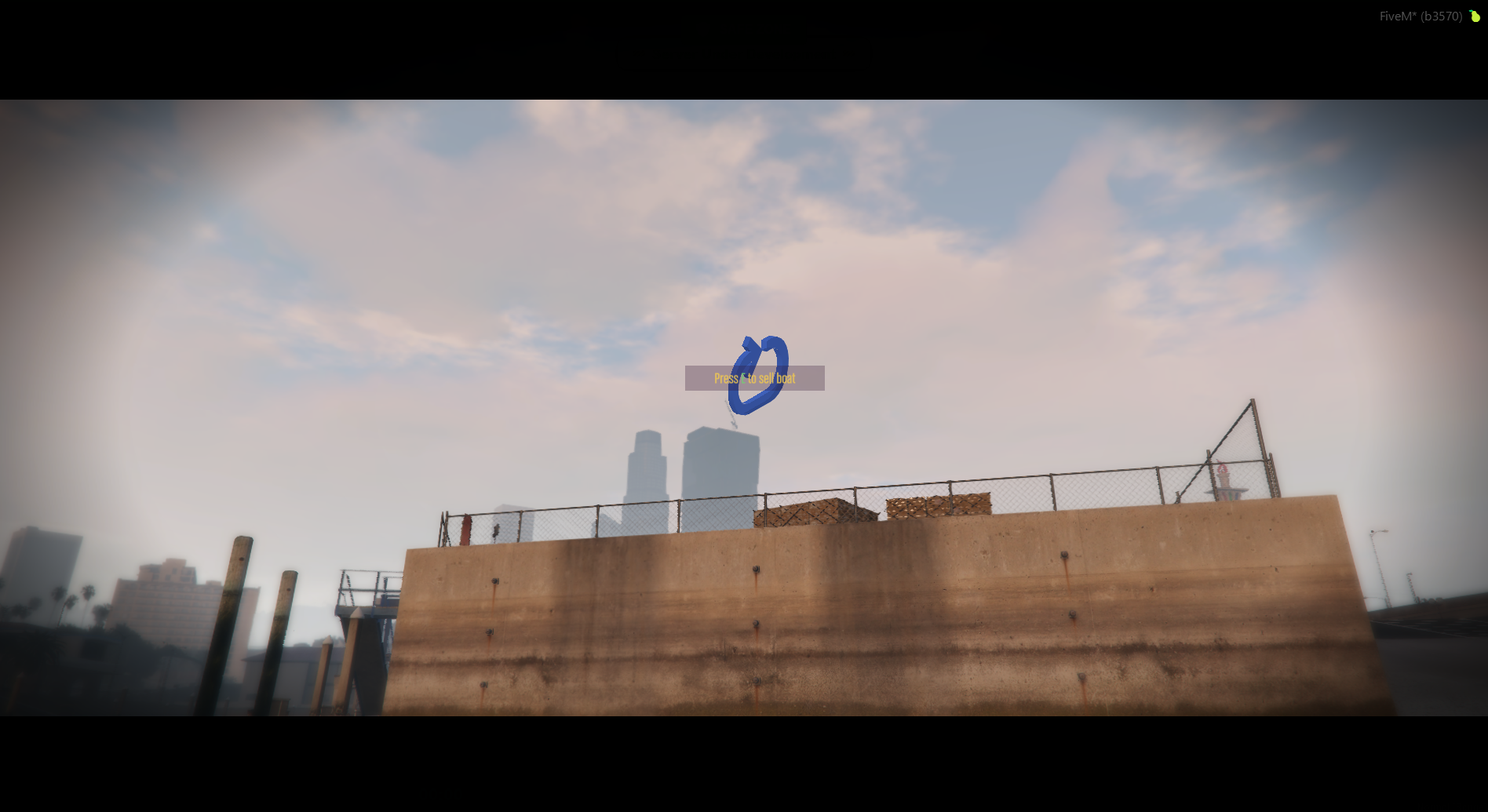
Selling Procedure
- Sail the boat you wish to sell to the marked dock area.
- Park inside the marker displaying the prompt:
Press E to sell boat. - Press the E key while remaining inside the boat.
- A confirmation window (Confirm Vehicle Sale) will pop up on your screen.
- Click ✓ Yes to confirm the transaction or ✕ No to cancel.
Buyback Rates
The amount of money refunded upon selling a boat is calculated as a percentage of its original dealership price:
- Regular Players: Receive 40% of the boat's original purchase price.
- VIP Players: Receive 60% of the boat's original purchase price.
Sale Restrictions
You will not receive any payout when selling the following types of watercraft:
- Boats purchased with Gold.
- Boats rewarded from Quests.